---
title: Hikvision Europe AxHub
---
[](http://www.hikvision.com/es?hsLang=en-gb)
- [Where To Buy](https://www.hikvision.com/europe/where-to-buy/)
- [Contact us](https://www.hikvision.com/europe/all-forms/contact-us/)
- [Dealer Partner Program](https://content.hikvision.com/hubfs/DPP%20Plaquette.pdf?hsLang=en-gb)

## Your total one-platform alarm & security solution
AXHub is the latest innovation in intruder alarm systems. It connects security peripherals such as motion detectors and displacement sensors, alongside safety devices like smoke and gas sensors to keep people safe. Simple to install and use, the AXHub provides voice prompts locally to assist during installation, as well as alert the end user to any events.
FULLY CONFIGURABLE
AXHub is a small, compact and discreet panel that delivers multi-configuration methods, full control, and setup via Hik-Connect smart device application and iVMS.
IVAAS
Video verification is done through revolutionary Intruder Verification as a Service (IVaaS). Rather than being reliant on sending low-quality static imagery to confirm events, IVaaS links previously separate video and intruder systems to one platform, providing a 7-second clip in the event of an alarm; 5 seconds pre-alarm, and 2 seconds post-alarm.
To achieve this, there are two options; via the cloud, or innovatively connecting up to two cameras directly to the AXHub for on-board video verification.
This enables Hikvision’s video and intrusion systems to seamlessly deliver video footage directly to the user through Hik-Connect or iVMS, or directly to a Central Monitoring Station (CMS).
INTEGRATION FOR FLEXIBILITY
Integration is at the core of the AXHub, utilising Cloud technology to combine intrusion and video like never before.
By delivering video to users or a CMS via email, smart device, and desktop applications, they can switch to Full-HD live streams to verify action can take much faster and more reliably in the event of an activation. The system supports up to 32 wireless inputs from a wide range that includes internal and external detectors, contacts, keyfobs, life safety sensors and much more.
Hik-Connect compatibility also allows full control of the system from anywhere; enabling users to remotely arm, disarm and monitor, as well as check history and receive push notifications of any events.
### **APPLICATIONS**
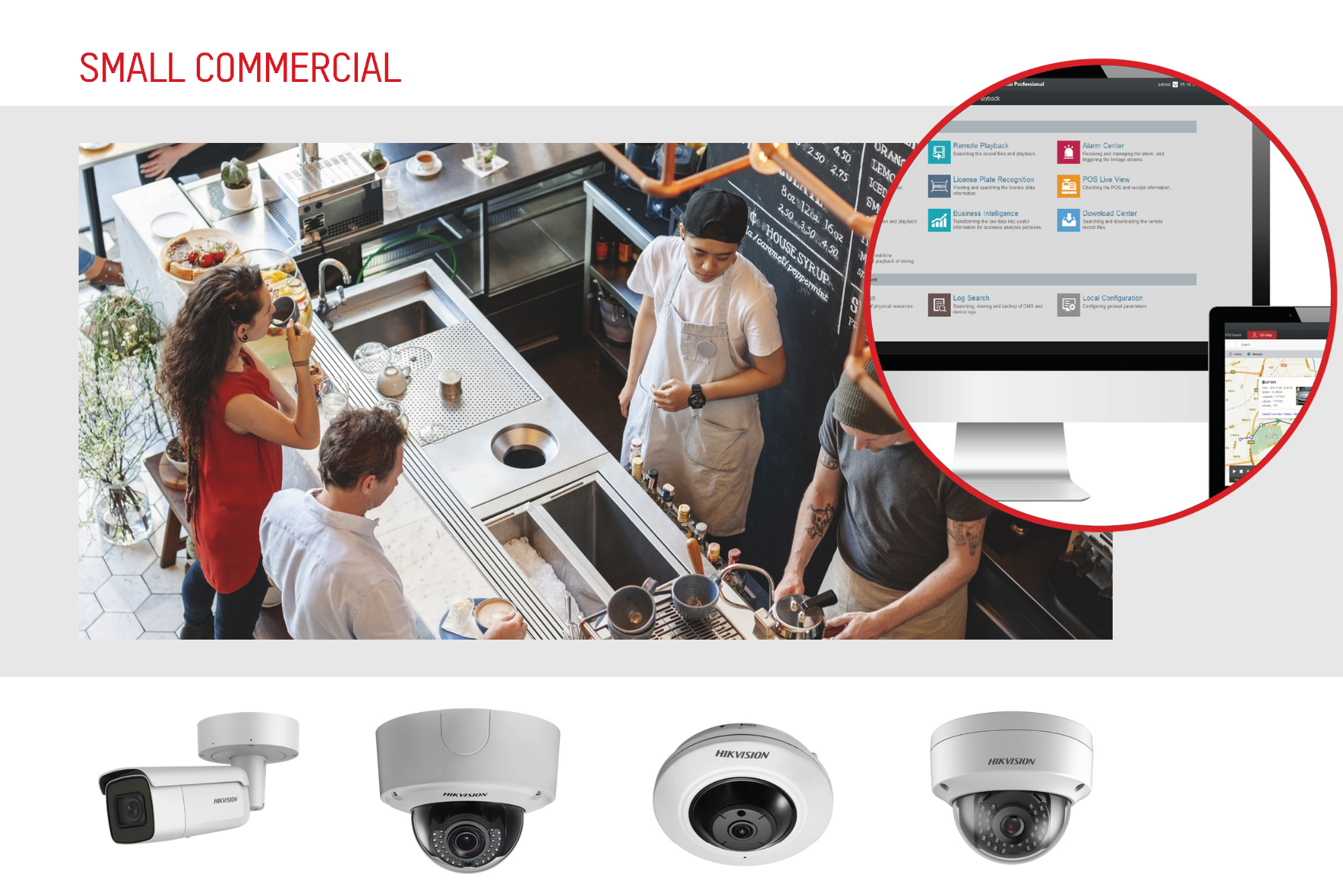
AXHub is specifically designed to cater for residential and small commercial applications, being used in applications like shops, small factories and warehouses, and offices – as well as providing safety and peace of mind in homes.
-4.png?width=2000&name=Untitled%20design(3)-4.png "Untitled design(3)-4")
[](https://cta-redirect.hubspot.com/cta/redirect/3348738/161bbc6d-d016-4818-bfd6-a9b45c05933c)
## Brochure
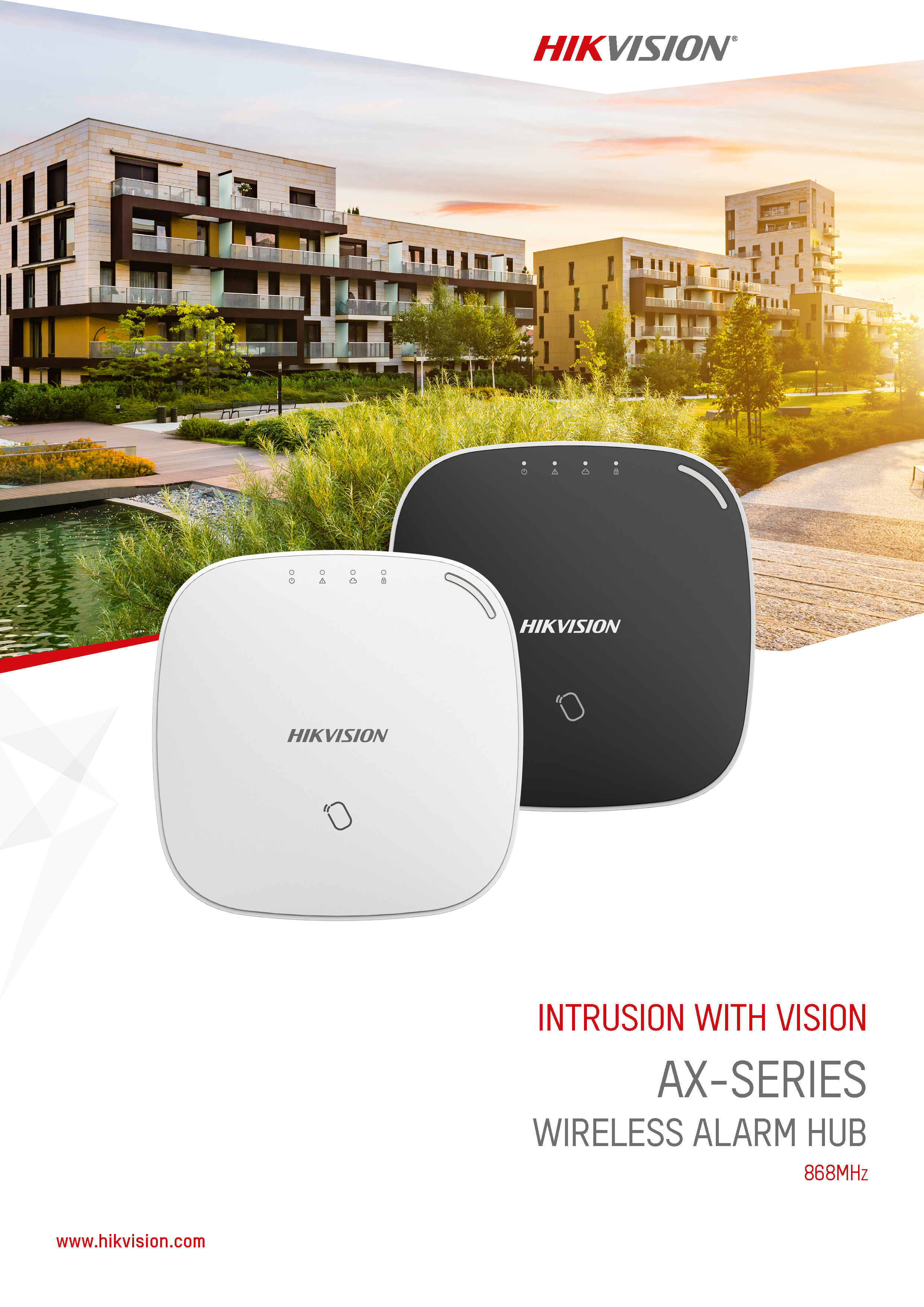
**AxHub Wireless Brochure**
**[Download here](https://content.hikvision.com/hubfs/AXHub_Wireless_brochure_868MHZ-1.pdf?hsLang=en-gb)**
## Watch Our Videos on Youtube
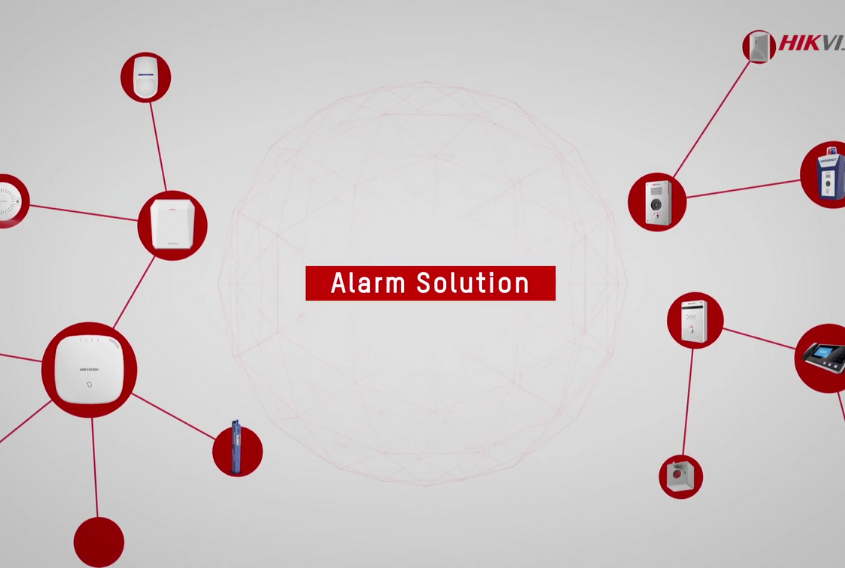
#### [Hikvision Alarm Solution](https://www.youtube.com/watch?v=zlIqOoOTQ1o&t=41s)
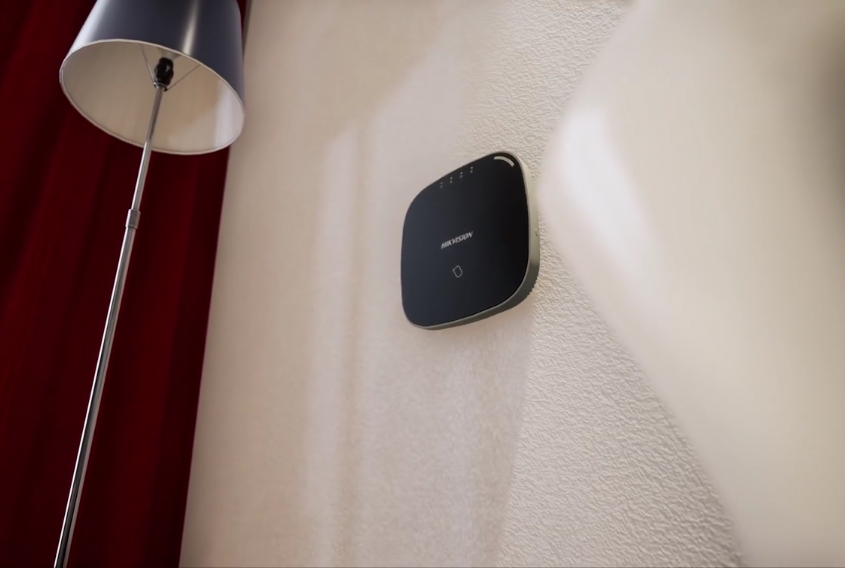
#### [Hikvision Wireless Alarm System](https://www.youtube.com/watch?v=m3W6bafGwMA&t=21s)

#### [How to install Hikvision AxHub](https://www.youtube.com/watch?v=7OADC8iYSO8)
[](https://content.hikvision.com/hubfs/DPP%20Plaquette-3.pdf?hsLang=en-gb)
# [**Dealer Partner Program**](https://content.hikvision.com/hubfs/DPP%20Plaquette-3.pdf?hsLang=en-gb)
# [**Join now.**](https://content.hikvision.com/hubfs/DPP%20Plaquette-3.pdf?hsLang=en-gb)
© 2026 Hikvision Technology PTE. LTD. (Bangladesh Branch).